Why Automatic Logouts and Session Timeouts Matter
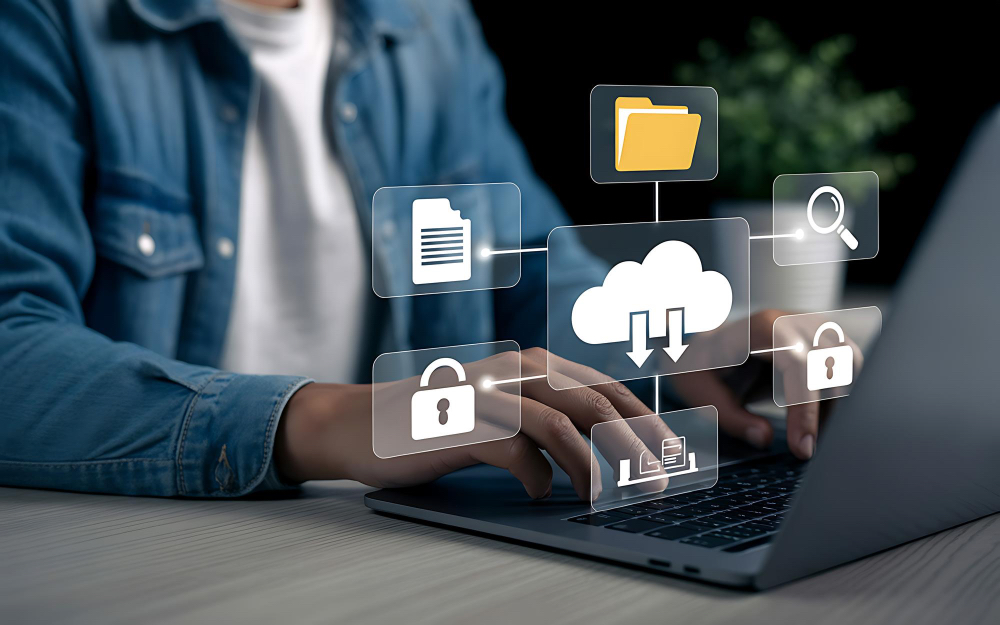
It’s easy to step away from your desk to take a call or grab a coffee—but if your session stays open, so does your access. Automatic logouts and session timeouts help protect your device when you forget to.
This simple setting can prevent unauthorized use, especially in shared or open environments.
Why It’s Risky
What to Do Instead

Enable Session Timeouts
Ensure your systems automatically log you out after inactivity.

Manually Lock
Use shortcuts like
Windows + L or Ctrl + Command + Q on Mac before walking away.
Support IT Policies
Follow your organization’s timeout policies and encourage coworkers to do the same.